
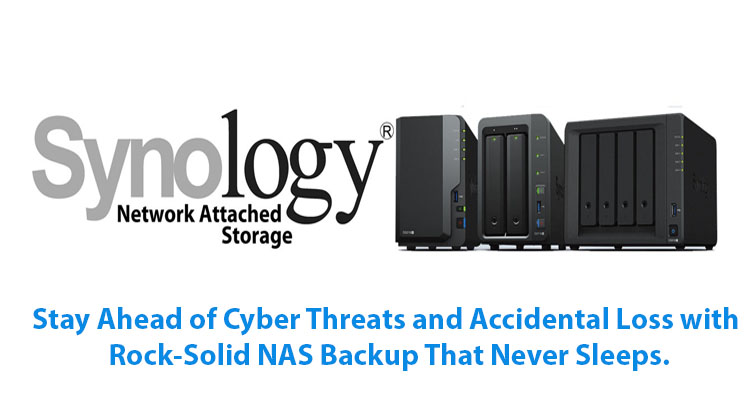
The “Data Panic”: Why You Need Reliable Network Attached Storage
We’ve all had that sinking feeling. Maybe it was a laptop that wouldn’t boot, or a “File Not Found” error on an old external drive. In an era where our memories, work projects, and client data are all digital, relying on a single hard drive is like tightrope walking without a net.
Specifically, I remember a creative agency in Delhi that lost three weeks of video edits because their primary “work drive” failed. They thought they had a backup, but it was just a manual copy they forgot to update. That’s the moment they realized they needed Network Attached Storage (NAS).
A NAS isn’t just a hard drive; it’s a private cloud that lives in your office or home. It’s always on, always backing up, and—most importantly—accessible from anywhere. If you’ve been looking at a synology nas and feeling overwhelmed by the drive bays and model numbers, let’s break it down as if we’re grabbing a coffee.
Why Synology is the Gold Standard for NAS
When people talk about NAS, the name synology is usually the first one mentioned. Why? Because they’ve made complex server technology feel as easy to use as a smartphone.
The Synology Ecosystem
Whether you are a home user looking to protect family photos or an enterprise needing a massive data vault, synology nas storage offers a range of “DiskStation” and “RackStation” models.
- The J & Value Series: Perfect for beginners. Affordable, quiet, and great for basic file sharing
-
The Plus (+) Series: The sweet spot for small businesses and power users. These can run apps, host mail servers, and handle high-speed data transfers.
-
The XS/XS+ Series: High-performance beasts for data centers and large-scale virtualization.
Furthermore, the “secret sauce” is the DiskStation Manager (DSM) operating system. It’s intuitive, secure, and allows you to install apps for everything from surveillance to automated cloud syncing.
Finding Support: Synology India and Local Expertise
One of the most common questions we get is, “What happens if something goes wrong?” Dealing with a global tech giant can feel intimidating, which is why having a local synology partner is vital.
While you might search for a synology customer care number or a synology nas customer care number online, the reality of IT infrastructure is that remote support only goes so far. Having a partner in India means you get someone who understands your network environment, power conditions, and local hardware availability.
Why Partner with Radiant for Synology in India?
At Radiant, we act as your local bridge to the world of Synology. We don’t just ship boxes; we build solutions.
-
Expert Consultation: We help you choose the right model so you don’t overspend on a 12-bay unit when a 4-bay synology nas would do.
-
Professional Setup: We handle the RAID configurations and security hardening so your data is safe from day one.
-
Direct Support: Instead of waiting on a generic synology customer support phone number, you get a direct line to our certified experts at +91-11-46515639/40.
-
AMC Services: We provide Annual Maintenance Contracts to keep your firmware updated and your drives healthy.
Real-Life Scenario: The Power of Synology Drive
Meanwhile, consider a freelance architect we recently helped in Mumbai. He used to carry a portable hard drive between his office and site visits. By setting up a synology nas storage unit with “Synology Drive,” he now has a private Dropbox-like experience. He saves a file in the office, and it’s instantly available on his tablet at the construction site. No cables, no syncing errors—just seamless productivity.
Conclusion: Peace of Mind for Your Digital Life
At the end of the day, Network Attached Storage is about one thing: peace of mind. It’s knowing that even if your computer catches fire tomorrow, your data—your business’s lifeblood—is safe, redundant, and ready to be restored.
If you’re ready to move beyond “hope-based” backups and want a professional, scalable solution, a synology nas is the way to go. Don’t wait for a drive failure to be your wake-up call. Reach out to a trusted synology partner today and let’s build a vault for your digital world.
FAQs
1. Can I access my Synology NAS from outside my home or office?
Yes! Using Synology “QuickConnect,” you can access your files from anywhere in the world via a secure web link or mobile app, without needing complex router configurations.
2. What is the best way to contact synology customer support phone number in India?
For immediate technical assistance and local expertise, you can reach out to the synology nas customer care number provided by your authorized partner, Radiant, at +91-11-46515639.
3. Do I need special hard drives for a Synology NAS?
While standard drives work, it is highly recommended to use “NAS-rated” drives (like Synology HAT5300 or WD Red). These are designed to run 24/7 and handle the vibrations of a multi-bay environment.
4. How does a Synology partner help with migration?
A synology partner like Radiant handles the data transfer from your old servers or external drives to the new NAS, ensuring folder structures remain intact and permissions are correctly set for your team.