
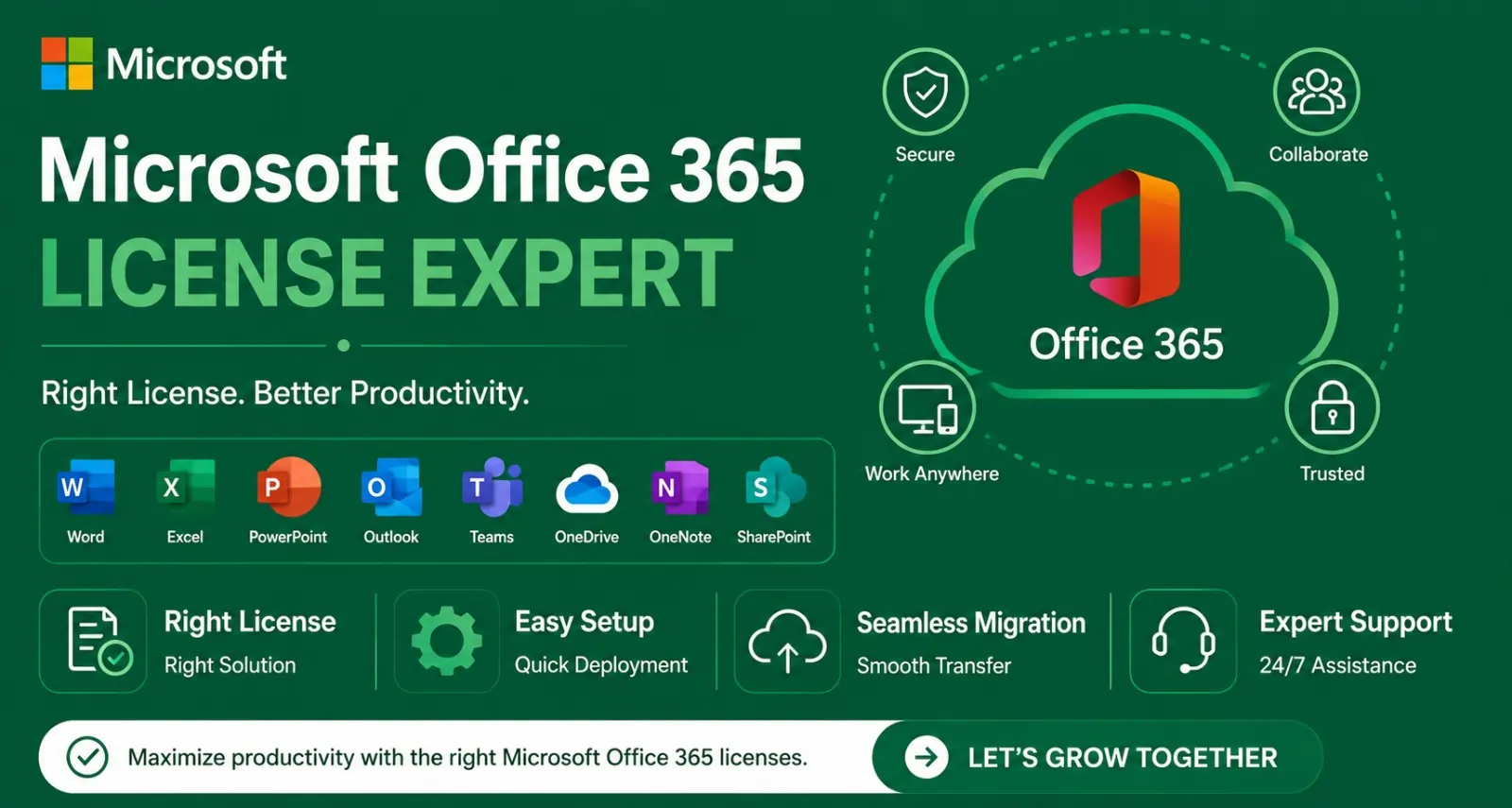
Strategic Technology Alliances


















What We Offer
Microsoft Office 365 Licensing Consultation
- Expert guidance to select suitable Microsoft Office 365 and Microsoft 365 plans based on business requirements.
- Assistance comparing Business and Enterprise licensing options, features, and subscription terms.
Genuine License Procurement and Activation
- Assistance with purchasing and provisioning Microsoft licenses through available authorized channels.
- Support with license assignment, activation, subscription management, and entitlement verification.
Microsoft Office 365 Deployment and Installation
- Deployment of compatible Office applications, including Word, Excel, PowerPoint, and Outlook.
- Assistance with installation, configuration, updates, and activation across supported devices.
Microsoft 365 Tenant Setup and Configuration
- Setup of the Microsoft 365 tenant, administrative accounts, domains, and user profiles.
- Configuration of organizational settings, user permissions, and centralized administration.
Business Email Setup and Migration
- Configuration of Exchange Online email services, mailboxes, aliases, and distribution lists where included in the selected plan.
- Migration planning for email, contacts, and calendars from existing email platforms with validation after migration.
Microsoft Teams, SharePoint, and OneDrive Deployment
- Setup and configuration of collaboration tools for communication, document sharing, and team productivity.
- Assistance with access permissions, shared workspaces, and file migration based on licensing entitlements.
Microsoft 365 Security and Access Management
- Guidance on multi-factor authentication (MFA), identity protection, user access, and security policies.
- Configuration of applicable security and compliance features based on the selected subscription.
Microsoft Office 365 License Renewal and Management
- Assistance with subscription renewals, additional user licenses, and licensing changes.
- Review of license utilization and recommendations to align subscriptions with changing business needs.
Microsoft Office 365 Technical Support and User Training
- Technical assistance with installation, activation, email configuration, and common application issues.
- Administrator and end-user training to support adoption and effective use of Microsoft 365 tools.
We work across categories navigating non linear customer behaviour & requirements
Why Picking a Feels Like Solving a Rubik’s Cube
We’ve all been there. You’re sitting at your desk, staring at a dozen different browser tabs, trying to figure out why one Microsoft Office 365 license. They both have Outlook, right? They both have Word? So, what gives?
It’s a classic case of “option paralysis.” I remember working with a mid-sized design firm last year that was paying for the most expensive Enterprise tier for every single employee—including the part-time receptionist who literally only used email and a calendar. They were essentially buying a Ferrari to drive to the mailbox.
If you feel like you’re drowning in “Business Basic” vs. “Business Premium” jargon, take a breath. We’re going to cut through the noise. Specifically, we’ll look at what you’re actually paying for, how to avoid the “hidden” costs of a microsoft license, and how to ensure your team has the tools they need without draining your budget.
Breaking Down the MS Office 365 License Cost
When you decide to buy microsoft office 365, the first hurdle is the sheer variety of plans. Microsoft divides its world into two main neighborhoods: Business (for companies with under 300 users) and Enterprise (for the big players).
The Business Neighborhood (Under 300 Users)
For most of us, this is where the magic happens. It’s where you’ll find the best balance of features and ms office license cost.
- Business Basic: This is the “Cloud-Only” club. You get the web and mobile versions of apps, but you can’t install them on your desktop. It’s perfect for remote workers who live in their browsers.
- Business Standard: This is the sweet spot. You get the desktop apps (Word, Excel, PowerPoint) plus the ability to host webinars.
- Business Premium: This is the “Security First” option. It includes everything in Standard plus advanced cyber-threat protection and device management.
The Enterprise Neighborhood (Unlimited Users)
If your organization is scaling rapidly, you might look at an office 365 buy online journey that leads you to the E3 or E5 plans. These are heavy hitters. For example, the E5 plan includes “Power BI Pro,” which is basically a superpower for data junkies who need to turn spreadsheets into visual masterpieces.
Is it Worth it? The “Secret” Value of Your Subscription
Furthermore, it’s important to realize that an ms office license is no longer just about writing a memo. One of our clients, a local logistics company, was struggling with internal communication. They were using three different apps for chat, file sharing, and video calls.
By switching to a unified Microsoft Office 365 license, they consolidated their costs and—more importantly—stopped losing files in the “digital abyss.” Meanwhile, their IT team stopped having to manage three different passwords for every employee. That’s the “soft” ROI that doesn’t always show up on the sticker price.
Why You Should Consider Security
Specifically, if you are handling sensitive client data, the ms office 365 license cost for the “Premium” tier is often cheaper than the cost of a single data breach. Business Premium includes Defender for Office 365, which acts like a digital bouncer for your inbox, kicking out phishing attempts before they even reach your staff.
Why Radiant is Your Best Bet for Navigating the Microsoft Maze
Choosing the right plan is only half the battle; managing it is the other. This is where we at Radiant come in. We don’t just sell you a key and wish you luck. We act as your long-term networking and software partner.
Why do people stick with Radiant?
- Empathy-Led Support: We’ve been in the trenches. When your Outlook won’t sync at 8:00 AM on a Monday, we’re the ones who pick up the phone.
- License Optimization: We’ve helped companies shave 15-20% off their annual microsoft office license price simply by auditing who is using what. We make sure you aren’t paying for “ghost” licenses.
- Seamless Migration: Moving your data to the cloud can be terrifying. We handle the heavy lifting so your team doesn’t skip a beat.
We believe that technology should feel like a wind at your back, not a weight on your shoulders. Whether you’re looking to buy microsoft office 365 for the first time or wanting to audit your current setup, we’re here to give you the honest, jargon-free advice you deserve.
Making the Final Call
At the end of the day, a Microsoft Office 365 license is an investment in your team’s sanity and productivity. Don’t feel pressured to buy the most expensive plan “just in case.” Start with what you need, and remember that the beauty of the cloud is its scalability.
If you’re still feeling a bit unsure about which path to take, don’t sweat it. It’s a big decision for any business. Why not reach out to us for a quick chat? We can look at your current workflow and help you find the “Goldilocks” plan—not too big, not too small, but just right.
Wrapping It All Up
Choosing the right Microsoft Office 365 license doesn’t have to be a source of stress. When you strip away the complex naming conventions, it really comes down to one question: How does your team actually work? Whether you need the full power of desktop applications for heavy data crunching or just a reliable, secure email platform for your field staff, there is a perfect fit out there.
By taking a moment to audit your needs—or letting a partner like Radiant do the heavy lifting for you—you can ensure that your ms office 365 license cost stays an investment rather than an overhead. Transitioning to the right plan means more than just new icons on a taskbar; it means a more collaborative, secure, and agile business.
Ready to stop guessing and start growing? Reach out to our team today for a custom license audit, and let’s get your tech stack working as hard as you do.
FAQs
What is Microsoft Office 365, and how does it help businesses?
Microsoft Office 365, now commonly marketed under Microsoft 365 for many business plans, provides productivity applications and cloud services for creating documents, managing email, collaborating, and sharing files. Depending on the subscription, businesses can access applications such as Word, Excel, PowerPoint, Outlook, Microsoft Teams, SharePoint, and OneDrive.
Where can I buy a Microsoft Office 365 license in India?
Businesses can contact Radiant Info Solutions to discuss Microsoft Office 365 and Microsoft 365 licensing options, subscription plans, and deployment requirements. The appropriate license depends on the number of users, required applications, security needs, and business size.
What is the cost of a Microsoft Office 365 license in India?
Microsoft 365 license prices vary by subscription plan, user count, billing term, and applicable taxes. Additional requirements, such as advanced security or compliance features, can affect the overall cost. Contact Radiant Info Solutions for a quotation based on your business requirements.
What is the difference between Microsoft Office 365 and Microsoft 365?
Office 365 originally emphasized productivity applications and cloud services. Microsoft 365 encompasses a broader range of offerings, with some plans combining Office applications, cloud services, device management, identity protection, and security features. The exact inclusions depend on the subscription.
Which Microsoft 365 license is best for small businesses?
The best plan depends on the number of employees, whether desktop applications are required, email hosting needs, collaboration tools, and security requirements. Microsoft 365 Business Basic, Business Standard, and Business Premium serve different needs, subject to Microsoft’s current eligibility and plan terms.
Does Microsoft 365 include Word, Excel, and PowerPoint?
Many Microsoft 365 business subscriptions include Word, Excel, and PowerPoint, but application availability differs by plan. Some subscriptions provide web and mobile versions, while others also include desktop applications. Verify the selected plan before purchasing.
Does Radiant Info Solutions provide Microsoft Office 365 deployment services?
Radiant Info Solutions can assist with planning and deploying Microsoft 365, including tenant configuration, user setup, license assignment, application installation, and service configuration, subject to the agreed scope of work.
Can Radiant help migrate business email to Microsoft 365?
Yes, email migration planning and assistance can be discussed for organizations moving from existing email platforms to Exchange Online. The migration approach depends on the source system, mailbox volume, data requirements, and acceptable downtime.
How can I get a Microsoft Office 365 license quotation from Radiant Info Solutions?
Contact Radiant Info Solutions with your user count, preferred applications, business email requirements, security needs, and existing Microsoft environment. This information helps determine suitable subscription options and deployment services for your organization.
Does Radiant provide Microsoft 365 license renewal and technical support?
Radiant Info Solutions can discuss renewal planning, license additions, subscription reviews, deployment assistance, and troubleshooting services according to the agreed scope. Renewal options and support coverage depend on the subscription and applicable agreement.
Can I upgrade or change my Microsoft 365 license later?
Organizations can often change subscriptions or add licenses as their requirements evolve, subject to Microsoft’s current commercial terms and eligibility rules. Review the effects on applications, data, billing, and existing entitlements before making changes.
How secure is Microsoft 365 for business use?
Microsoft 365 offers security capabilities that may include multifactor authentication, identity controls, data protection, and security monitoring, depending on the plan and configuration. Businesses should configure appropriate access policies, protect administrator accounts, and establish backup and recovery procedures.
Does Microsoft 365 include Microsoft Teams, SharePoint, and OneDrive?
Availability varies by subscription, region, and current Microsoft product packaging. These services can support meetings, team communication, document collaboration, and cloud storage where included or separately licensed.
Does Microsoft 365 provide business email hosting?
Selected Microsoft 365 business plans include Exchange Online for professional email using a business domain. Email features, mailbox limits, archiving, and advanced capabilities depend on the plan and any additional services purchased.
Can Microsoft 365 be installed on multiple devices?
The number and types of devices on which a user can install or access Microsoft 365 applications depend on the subscription’s terms and Microsoft’s current device-activation limits. Confirm the applicable conditions for the chosen plan.